100% LOCAL. 100% FREE. 100% AI.
I’m getting ready to release my very first Music Video (MV), and I wanted to share a raw, behind-the-scenes look at what is currently possible right from a home setup. The best part? I didn’t spend a single dime on expensive cloud subscriptions or external rendering farms.
I managed to push a massive 22-billion parameter video model right to its absolute limits on standard consumer hardware, and my custom pipeline handled it flawlessly.
Here is a breakdown of how I made it happen.
📊 The Local Metrics
Running massive AI models locally requires patience and the right hardware. Here is exactly what it took to generate the footage:
- Total Render Time: 4 hours, 30 minutes
- Hardware Used: NVIDIA RTX 4060 Ti (16GB VRAM)
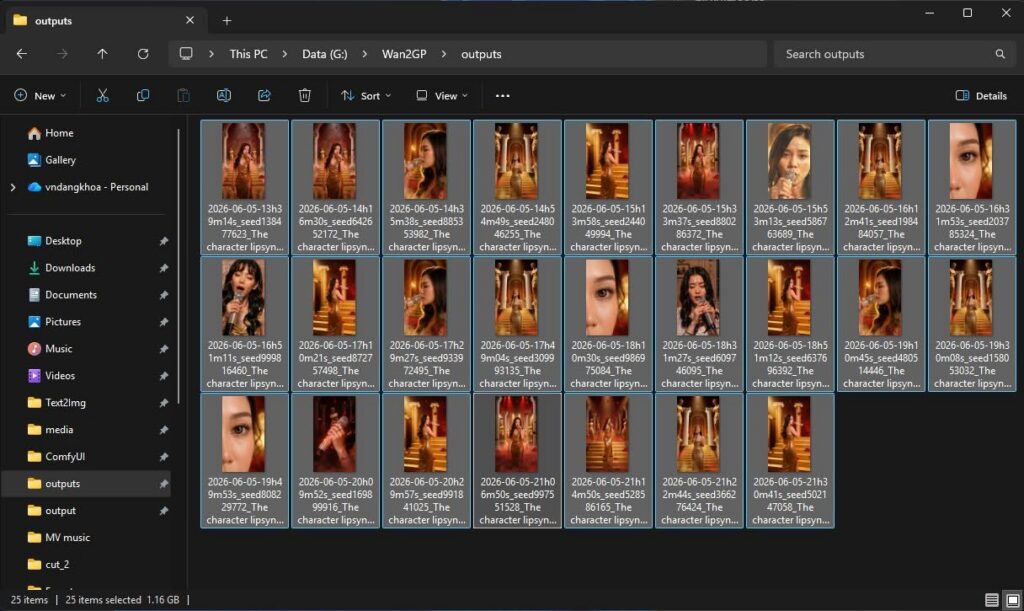
- The Output: 25 individual video clips (30 seconds each)
- Total File Size: A crisp 1.16GB of video data
🛠️ The Open & Free Pipeline
You don’t need proprietary software to create high-quality AI video. My entire workflow relies on an open-source and free tech stack:
- Image Generation: Z-image-turbo (Alibaba’s ultra-fast 6B parameter open-source model)
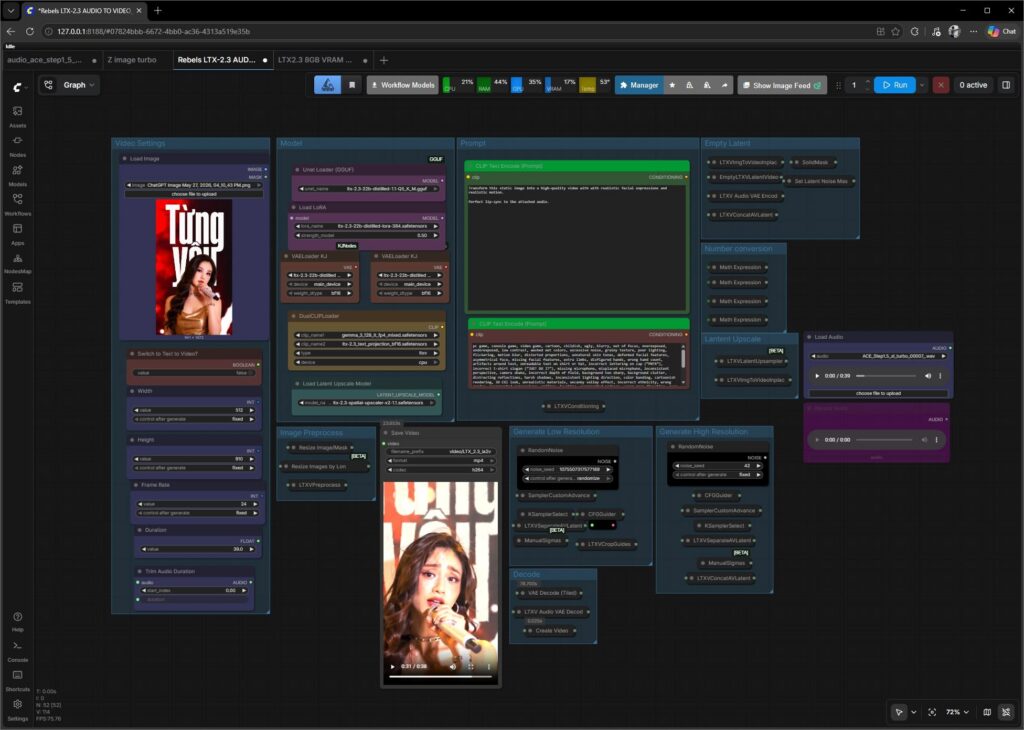
- Video Engine: LTX 2.3 Distill 1.1 (22B) (Quantized to run seamlessly within my strict 16GB VRAM budget)
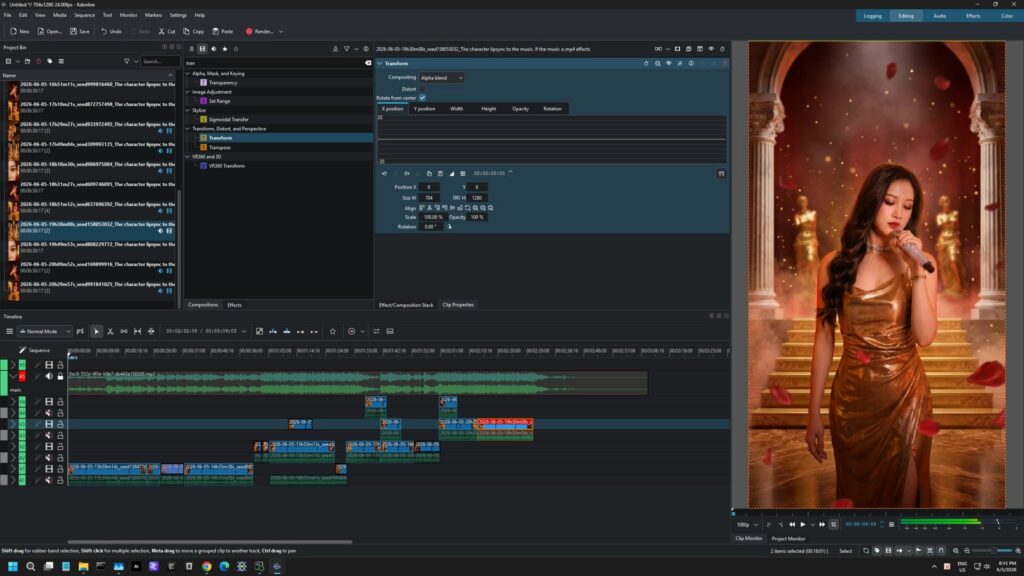
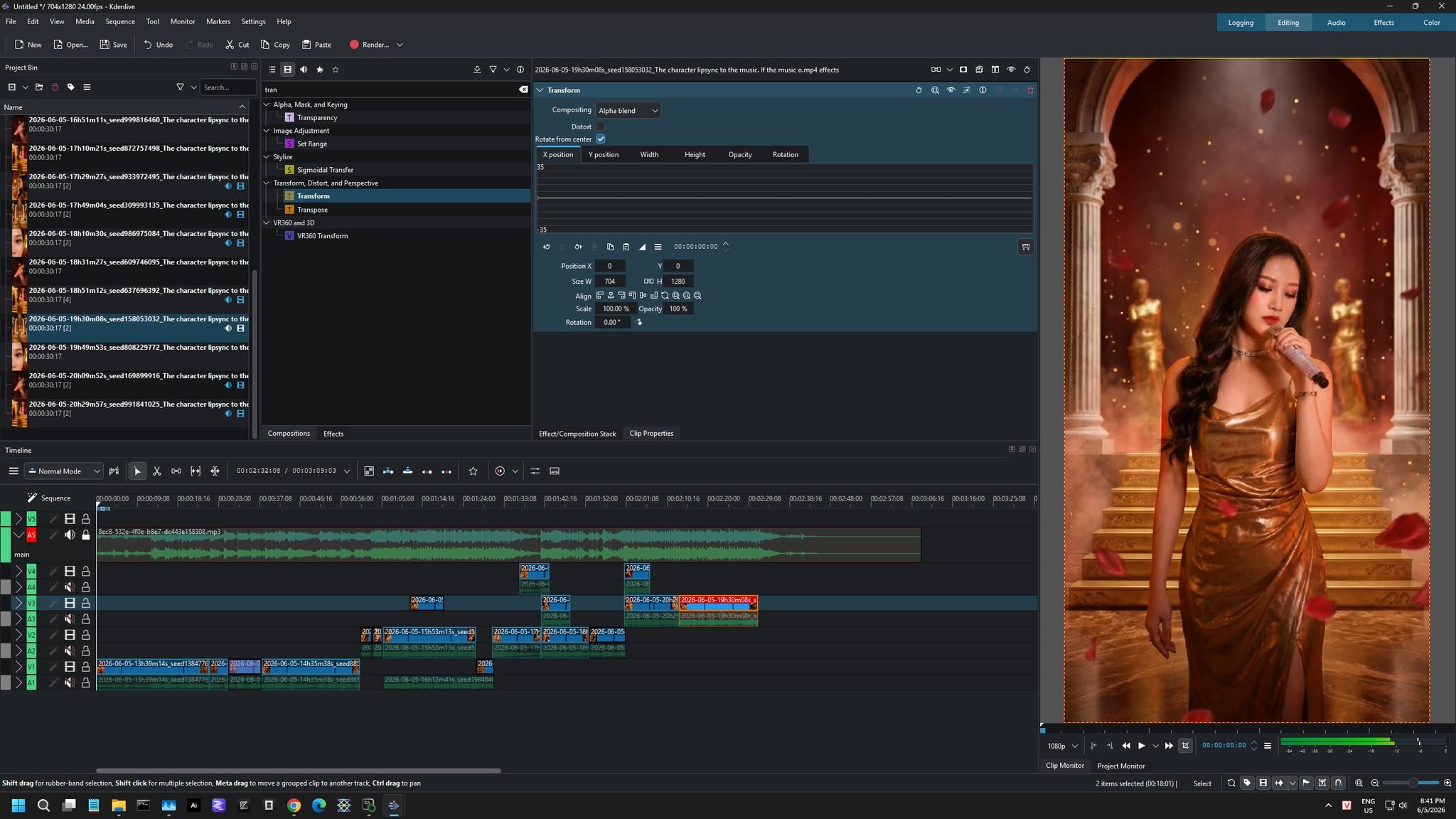
- Compositing & Video Editing: Kdenlive (The undisputed champion of Free & Open Source video editors)
🚀 Coming Soon…
The final Music Video is currently in the polishing phase and will be dropping soon. Stay tuned!
Tags: #LocalAI #OpenSource #FOSS #Kdenlive #LTXVideo #ZImageTurbo #RTX4060Ti #AICreation #MusicVideo