Evolving My AI Art Workflow: Tweaking for Better Control!

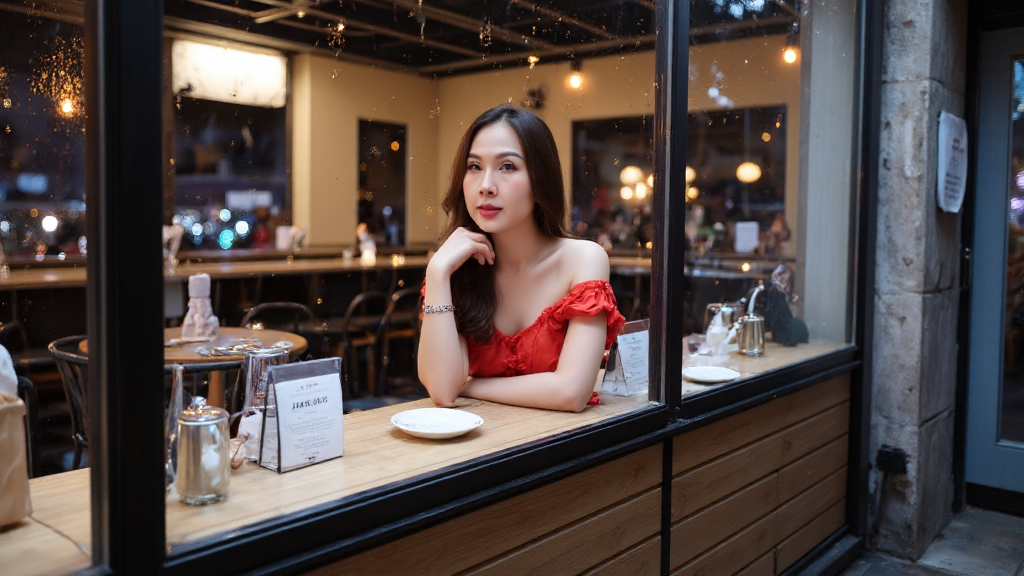
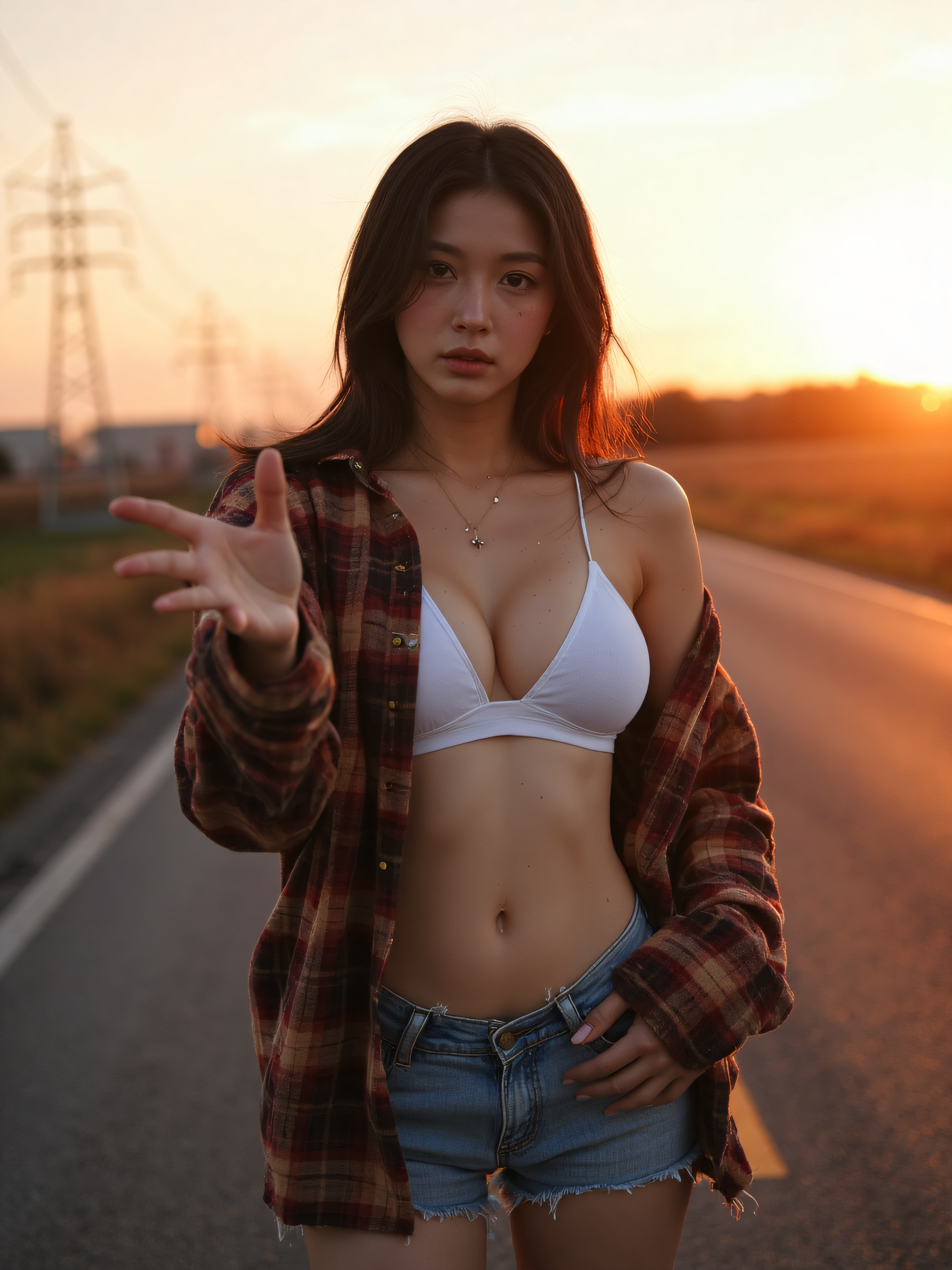
I’ve been iterating on my AI image generation process and have discovered a new combination that provides even more precise control over the final output, particularly when training LoRA models. The key to this breakthrough is a small but powerful tweak.
Here’s the latest update to my workflow:
I’ve switched from the standard Flux.1 model to Flux.1.dev in the Mflux WebUI. This “dev” version is designed for more in-depth control and greater flexibility. The most significant change, however, is dropping the image strength for my i2i (image-to-image) process from 0.6 down to 0.35.
By lowering the image strength, I’m giving the AI more creative freedom and preventing the model from being overly constrained by the initial image. This change has proven to be a game-changer for my LoRA training. It’s that final 10% of tweaking—a seemingly minor adjustment—that makes a colossal difference, pushing the results from good to nearly perfect. It’s in this detailed refinement that the magic happens, transforming the art from 80% to 90% completion and beyond. This new setup gives me the best of both worlds: the power of InvokeAI for the initial concept and the precision of a more advanced Mflux model with the perfect balance of creative freedom.








Post Comment